- Wix
- Push notifications
- Tutorial
How to add push notifications to your Wix site, without code
A step-by-step guide to adding browser push notifications to a Wix site in minutes, with automations for abandoned carts, orders and bookings.

· 5 min read
Most visitors leave a Wix site without buying, booking or signing up, and most of them never come back. Email only helps if they gave you their address, and most people don’t. Browser push notifications fill that gap: a visitor clicks Allow once, and you can reach them on their phone or desktop later, even after they close the tab.
This guide shows how to add push notifications to a Wix site without code. I use PushPal, the app I built for exactly this, so you know where I stand. The ideas in the second half apply whichever tool you pick.
What web push notifications are
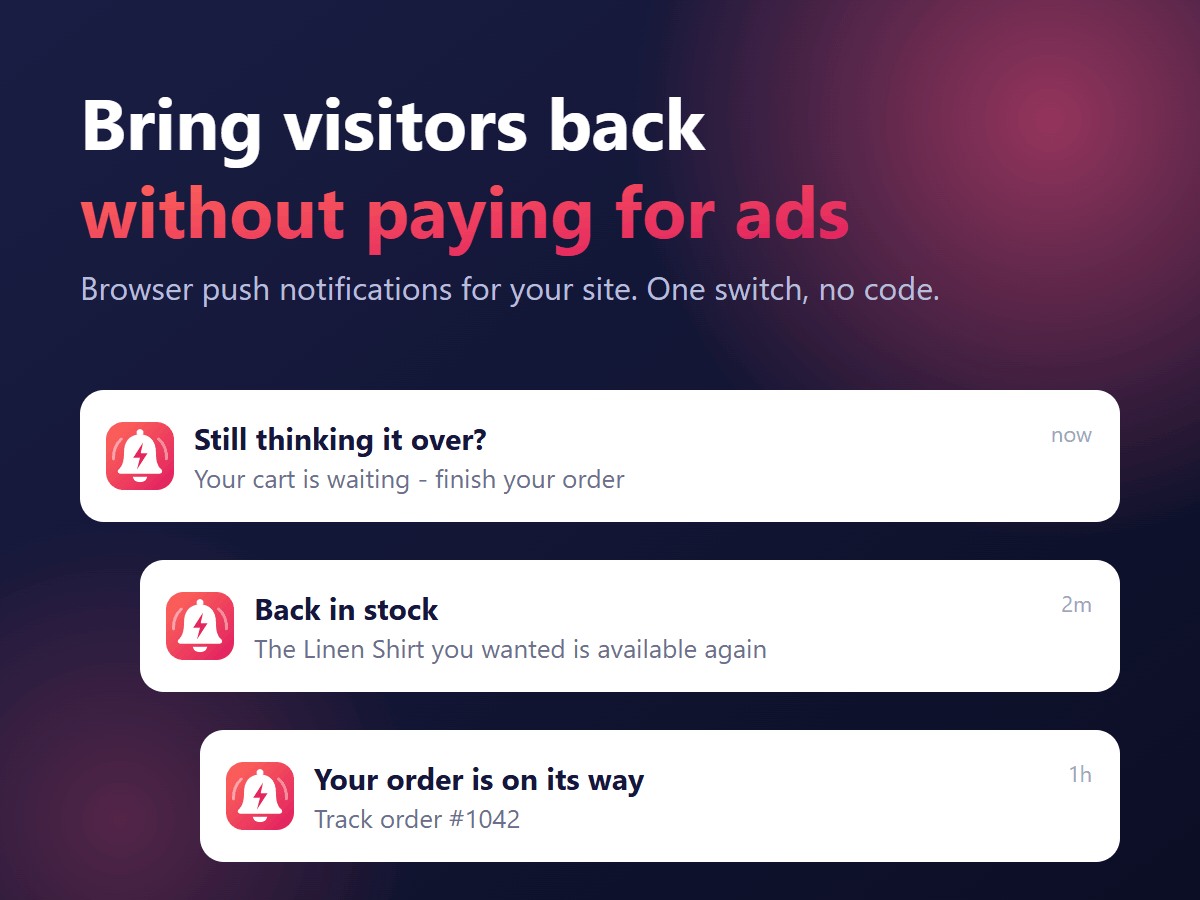
Web push is built into modern browsers. When a visitor accepts the permission prompt on your site, the browser gives your site a private subscription. You can then send short messages with a title, a line of text, an image and a link. They appear like app notifications, and a click opens the page you chose.
- No email address or phone number is needed.
- Visitors don’t install anything.
- They can turn notifications off from their browser at any time.
Before you start
- A Wix site you can edit, on a plan that lets you add apps from the Wix App Market.
- A published site. Push only works on the live site, not in the editor preview.
- About five minutes. PushPal has a 30-day free trial, so you can test it before paying.
Step 1: Add PushPal from the Wix App Market
Open the PushPal listing on the Wix App Market and click Add to Site. Choose the site you want and approve the permissions. PushPal opens inside your Wix dashboard when it is done.
Step 2: Switch on the opt-in prompt
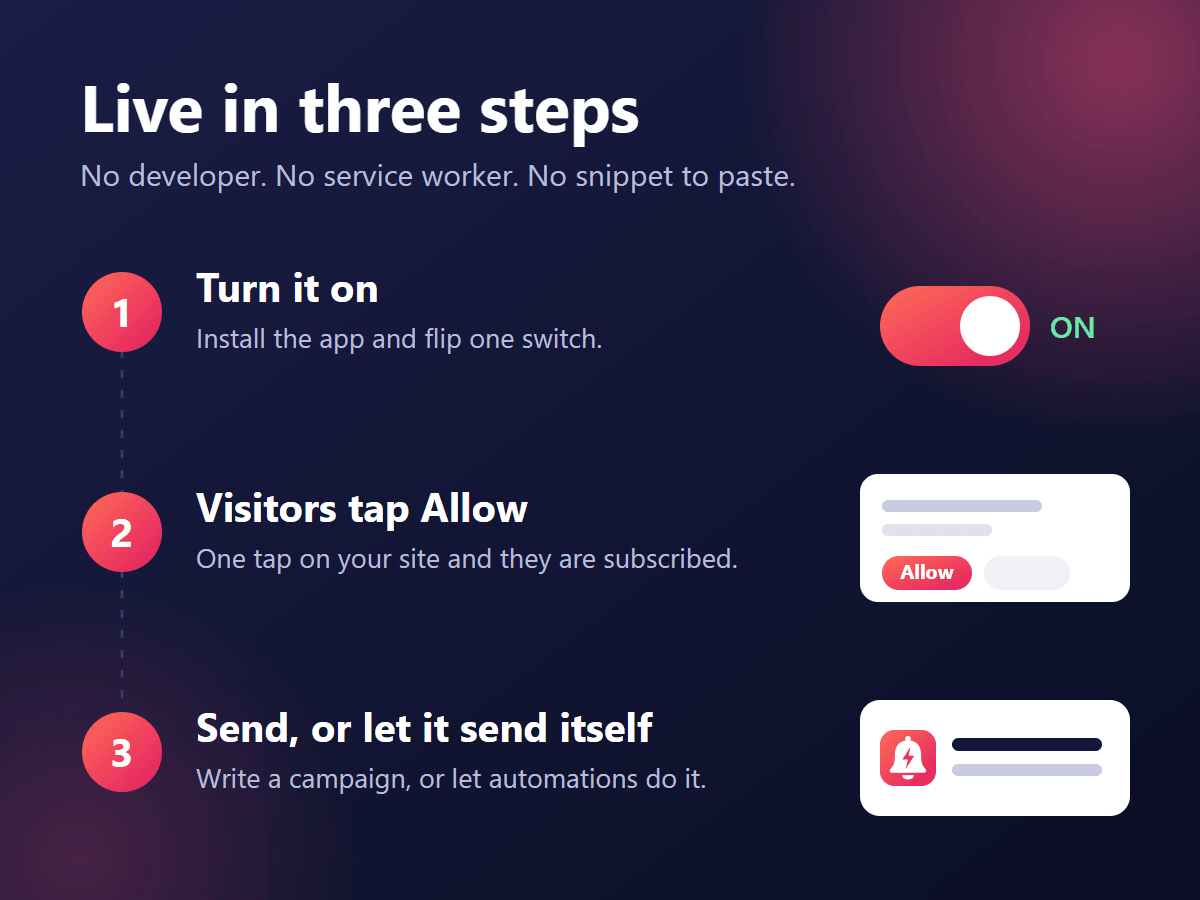
The opt-in prompt is the small message that asks visitors if they want notifications. Switch it on from the PushPal dashboard. From then on, every visitor who clicks Allow becomes a subscriber, and you can watch the count grow in the dashboard.
Step 3: Turn on the automations you need
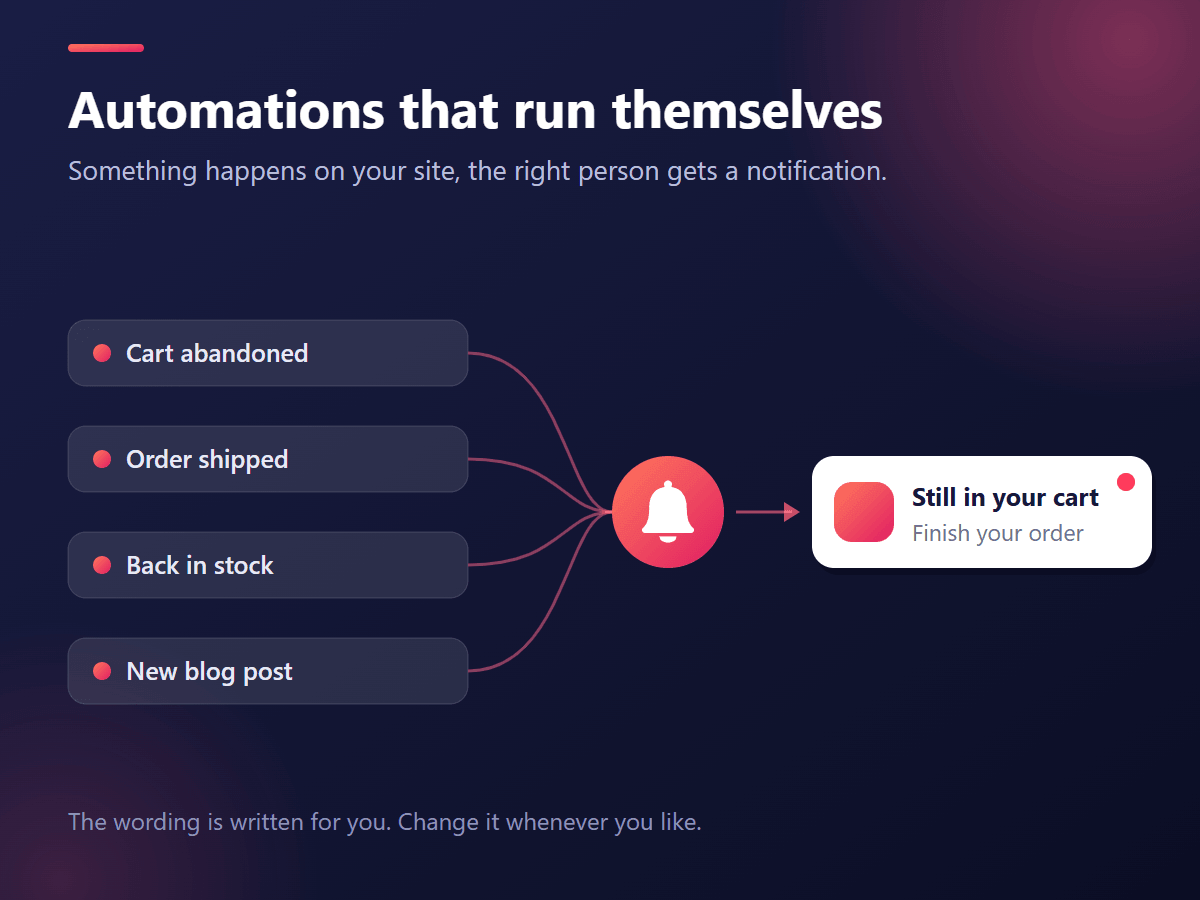
Automations send the right message at the right time without you doing anything. PushPal can send:
- Abandoned cart reminders
- Order and shipping updates
- Back-in-stock alerts
- Booking reminders
- New blog post alerts
- Event announcements
Start with one or two. For an online store, abandoned cart reminders are the natural first choice. For a service business, booking reminders cut no-shows.
Step 4: Send your first campaign
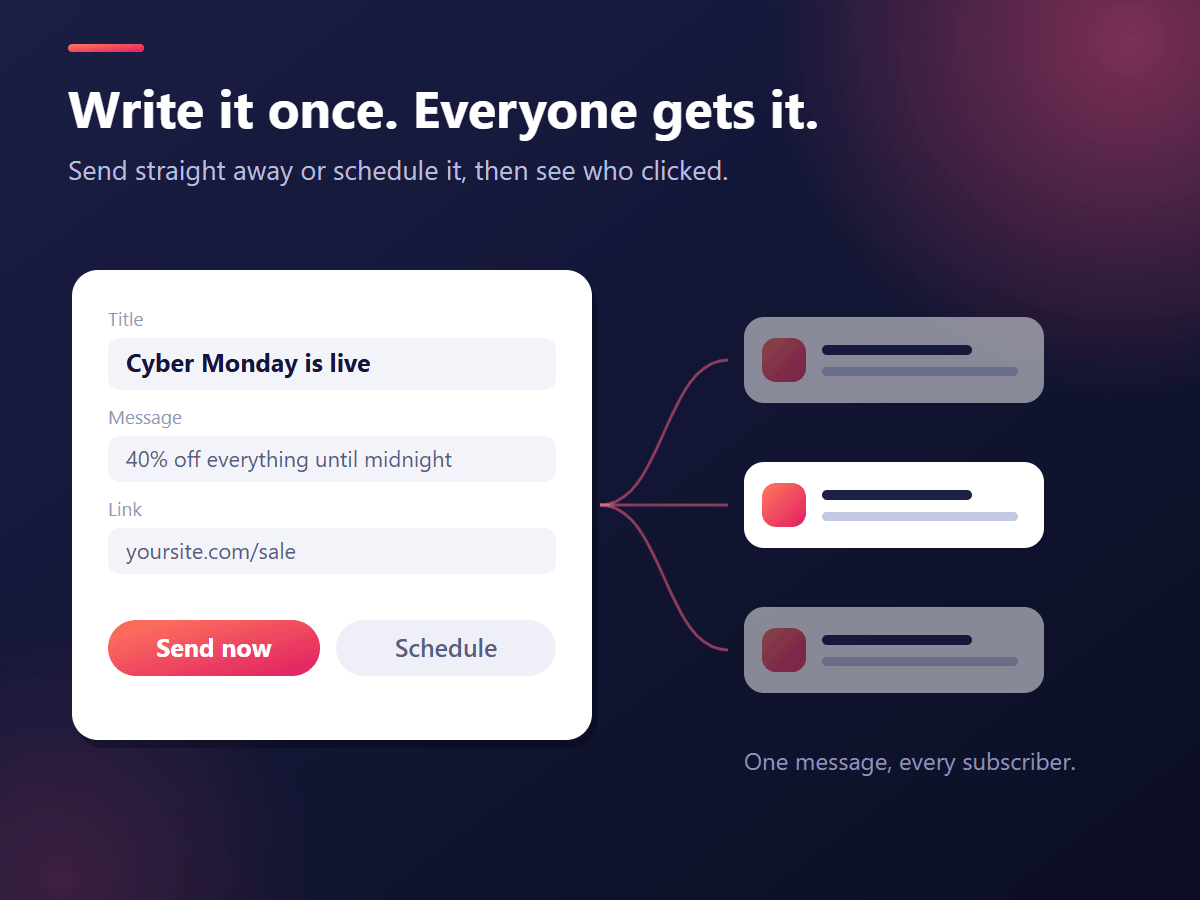
When you have a few subscribers, send a one-off message from the dashboard: a new product, a sale, or a post worth reading. Write a clear title, one short line, and link to the exact page you mention.
Step 5: Check what works
The PushPal dashboard shows subscribers, notifications sent and click-through rate. Look at which messages get clicked and do more of those.
How to write notifications people click
- Be specific. “Your cart is waiting: the linen shirt in M” beats “Come back!”
- Keep it short. Phones cut long text. Put the important words first.
- Send less, not more. A few useful messages a week keep subscribers. Daily promotions make them unsubscribe.
- Link to the right page. Send people straight to the product, booking or post, not your home page.
A note on iPhone and iPad
Chrome, Edge, Firefox and Safari on Mac support web push. On iPhone and iPad, Apple only allows web push for sites that the visitor has added to their Home Screen (iOS 16.4 and later). Most of your subscribers will come from desktop and Android, and that is normal for every web push tool.
Privacy
Push is opt-in by design: nothing is sent unless the visitor accepts the browser prompt, and they can switch it off at any time. PushPal does not collect visitors’ names or email addresses. Our privacy policy explains what the app stores and for how long.
Questions
Can I add push notifications to Wix without code?
Yes. Add a push notification app such as PushPal from the Wix App Market, switch on the opt-in prompt, and visitors can subscribe right away.
Do visitors need to install anything?
No. Web push is built into modern browsers. Visitors only click Allow on the permission prompt.
Do push notifications work on iPhone?
Only for visitors who add your site to their Home Screen, on iOS 16.4 or later. Desktop browsers and Android support web push directly.
Written by
Ubaid Hussain
Founder, KarachiSol
Ubaid founded KarachiSol and builds its apps. He has spent more than six years building web products, from Wix and Shopify apps to business dashboards.
More about Ubaid